
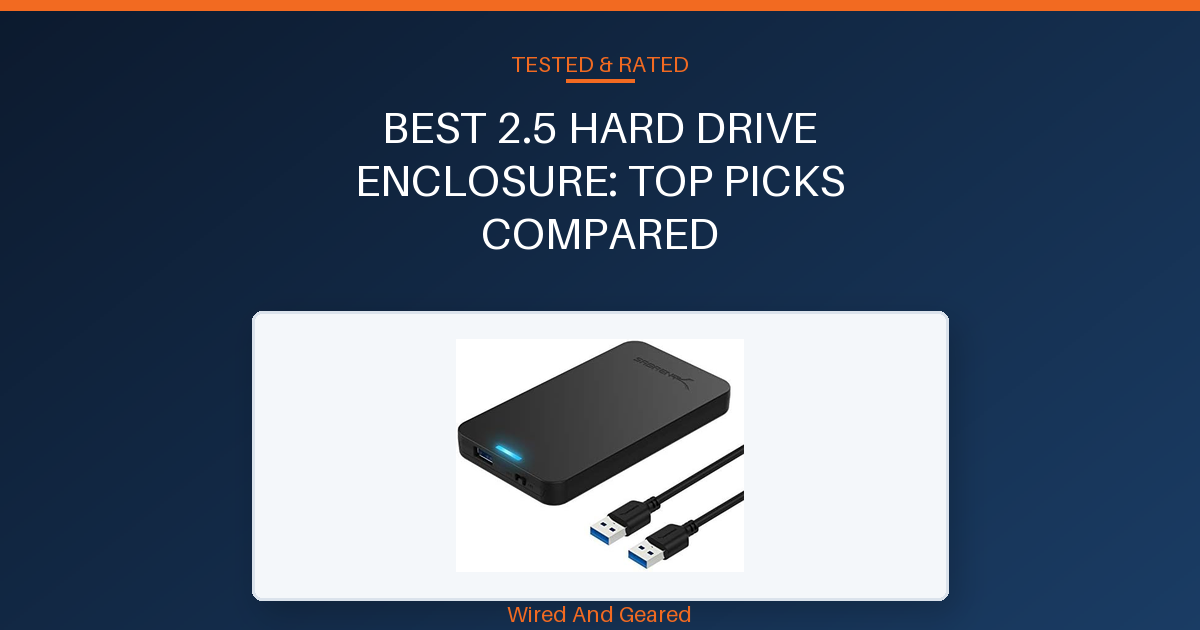
Choosing the right 2.5 hard drive enclosure matters if you want dependable storage access, fast transfers, and hassle-free drive swaps. This guide is for anyone looking to convert an internal laptop drive or SSD into portable storage without headaches.
Every enclosure here is tool-free, so you can install or swap drives in under a minute. The best options balance speed, build quality, and compatibility with both older and newer devices.
You’ll find the clear winner and runner-up up front, followed by a comparison table and buying guide to help you focus on the features that actually matter. Trade-offs are spelled out, so you can pick what fits your routine and hardware.
Skip to the FAQs for quick answers, or read the buying guide for deeper insight into what separates a great enclosure from a frustrating one.
Our overall best pick: SABRENT 2.5in SATA to USB 3.0 Tool-Free SSD/HDD Enclosure →
| Product | Drive Compatibility | Interface | Max Capacity | Power | |
|---|---|---|---|---|---|
| SABRENT 2.5in SATA to USB 3.0 Tool-Free SSD/HDD Enclosure | 2.5 inch SATA HDD/SSD | USB 3.0 Type-A | Up to 6TB | Bus-powered via USB | See on Amazon |
| SABRENT USB 3.0 Hard Drive Enclosure | 2.5/3.5 inch SATA HDD/SSD | USB 3.0 Type-A | 28TB (confirmed with Seagate Exos) | External 12V/2A adapter required | See on Amazon |
| UGREEN USB C Hard Drive Enclosure for 2.5" SATA SSD HDD | 2.5 inch SATA HDD/SSD | USB-C 3.1 Gen 2 | Up to 6TB | Bus-powered via USB-C | See on Amazon |
| BENFEI 2.5 Inch SATA to USB Tool Free External Hard Drive | 2.5 inch SATA HDD/SSD | USB-C and USB-A | Up to 6TB | Bus-powered via USB | See on Amazon |
SABRENT 2.5in SATA to USB 3.0 Tool-Free SSD/HDD Enclosure
The Sabrent EC-UASP stands out for its easy tool-free design, making drive installation a matter of seconds. Both SSDs and older HDDs fit snugly, with a tight case and a thick, strong USB cable that avoids dangling issues.
The enclosure feels lightweight but solid, with a clear blue LED indicator and a handy power switch. Performance is consistent, delivering up to 5 Gbps on USB 3.0 ports and supporting UASP for faster SSD transfers.
It handles drive cloning and migration smoothly, completing upgrades in under an hour. Hot-swapping and plug-and-play operation work as advertised, and Windows and Mac systems recognize drives instantly without drivers.
The packaging is protective, and the instructions are clear for less tech-savvy users. The only notable drawbacks are occasional difficulty opening the case and compatibility limited to 2.5 inch SATA drives.
There are no advanced features like S.M.A.R.T. Monitoring.
Skip this if you need support for 3.5 inch drives or want metal construction for heavy-duty heat dissipation.
Strengths
- Tool-free installation, just slide and snap
- Fits all standard 2.5 inch SATA HDD/SSD securely
- Excellent USB 3.0/UASP speeds up to 5 Gbps
- Hot-swappable and plug-and-play on Windows/Mac
- Solid build, strong cable, clear indicator light
- Affordable price for reliable performance
Trade-offs
- Case can be hard to open for some users
- No support for 3.5 inch drives
- Plastic shell offers minimal heat dissipation
SABRENT USB 3.0 Hard Drive Enclosure
Installation is genuinely simple, with a slide-and-click mechanism that requires no tools. The aluminum shell and internal ABS tray provide a sturdy feel, and drives fit securely with or without the included screws.
The visible activity light and power switch make it easy to monitor use, but the lack of stick-on feet means the enclosure sits directly on surfaces, which can be awkward for some setups. Transfer speeds are reliable, hitting typical USB 3.0 rates between 100 and 180 MB/s for HDDs and up to 400-500 MB/s for SSDs.
Large drives, including a 28TB Seagate Exos, work without issue, though drives with non-standard PCB heights may not seat correctly. Heat dissipation is generally good thanks to the aluminum build, but the plastic tray can raise concerns during prolonged transfers.
External power is required, so a wall outlet is necessary. The enclosure is not bus-powered, and the included power adapter may ship with an EU plug, which has caused frustration for buyers outside Europe.
Compatibility is strictly SATA, so verify your drive before purchasing. Skip this if you want S.M.A.R.T.
Diagnostics or need USB-C out of the box.
Strengths
- Tool-free setup is genuinely fast and easy
- Fits both 2.5 and 3.5 inch SATA drives securely
- Durable aluminum shell with good heat dissipation
- Handles large drives up to 28TB without issue
- LED activity light and power switch for clear status
Trade-offs
- Requires external power, not USB bus-powered
- No feet included, enclosure can slide on surfaces
- Ships with EU plug in some regions, no plug selection
UGREEN USB C Hard Drive Enclosure for 2.5" SATA SSD HDD
Installation is completely tool-free and takes less than a minute. Drives slide in easily, and the fit is tight with foam padding to prevent movement.
The aluminum shell is thin but effective for heat dissipation, and the enclosure remains cool even during extended transfers. Transfer speeds are among the highest available, routinely hitting 500-560 MB/s with SATA SSDs and supporting up to 6 Gbps via UASP.
Compatibility covers all major 2.5 inch SATA drives up to 6TB, and the USB-C port works with modern laptops, game consoles, and Thunderbolt docks. The included USB-C to USB-C cable is short, but delivers full power and data rates.
For older computers, a separate USB-C to USB-A cable is required. There is a small white LED indicator for activity, and the enclosure is recognized instantly across Windows, Mac, and Linux.
The main drawbacks are the thin aluminum shell and the need to buy an extra cable for USB-A. Skip this if you need a longer cable or want a thick metal enclosure for heavy-duty use.
Strengths
- Tool-free installation, drive slides in easily
- USB-C 3.1 Gen 2 delivers up to 560 MB/s with SSDs
- Aluminum shell dissipates heat well
- Foam padding keeps drive secure
- Broad compatibility with major brands and up to 6TB
Trade-offs
- Included USB-C cable is very short
- Thin aluminum shell feels less premium
- Must buy USB-C to USB-A cable for older computers
BENFEI 2.5 Inch SATA to USB Tool Free External Hard Drive
The BENFEI enclosure features a plug-and-play, tool-free design that allows quick installation by simply pushing out the cover and inserting the drive. Both USB-C and USB-A ports are built-in, making it flexible for use with newer laptops, tablets, and older PCs.
The shell is plastic, so heat dissipation is modest, but the enclosure stays cool for everyday transfers. Transfer speeds reach up to 5 Gbps, with UASP support for fast SSD performance.
It is compatible with all standard 2.5 inch SATA drives up to 6TB, and works across Windows, Mac, and Linux with no drivers needed. Hot-swapping is straightforward, and the enclosure is recognized instantly on game consoles and routers as well.
The warranty is a standout, offering 18 months of unconditional coverage and responsive customer service. The main trade-offs are the plastic build and a lack of advanced features like S.M.A.R.T.
Monitoring. Skip this if you want a metal enclosure for heat-heavy tasks or need support for 3.5 inch drives.
Strengths
- Built-in USB-C and USB-A ports for wide compatibility
- Tool-free, easy installation with push-out cover
- Fast 5 Gbps transfers with UASP support
- No drivers needed, works with all major OS
- 18-month warranty and responsive support
Trade-offs
- Plastic shell offers minimal heat dissipation
- No support for S.M.A.R.T. Monitoring
- No compatibility with 3.5 inch drives
01Speed and UASP support
Fast USB 3.0 (or USB-C) transfer speeds are essential for moving large files or backing up data. UASP (USB Attached SCSI Protocol) boosts SSD performance and lowers CPU load, so always check for this feature. Many enclosures claim speed but lack UASP, which limits real-world transfers.
02Tool-free installation
A true tool-free enclosure lets you install or swap drives in seconds, without fiddling with screws. This is critical for anyone who upgrades or recycles drives often. Some designs are labeled tool-free but still require awkward steps, look for simple slide-in or snap-on covers.
03Build quality and cooling
Aluminum enclosures dissipate heat better and protect drives from drops, but plastic models are lighter and cheaper. Drives running hot can fail early, so prioritize cooling if you use SSDs or transfer large files. Avoid flimsy cases that flex or crack easily.
04Port compatibility
USB-C is faster and works on newer laptops, while USB 3.0 Type-A covers most desktops and older machines. Some enclosures offer both, which is ideal if you switch between different computers. Don’t assume every USB-C enclosure includes a Type-A adapter, check cable options.
05Drive size and capacity
Make sure your enclosure supports the thickness and capacity of your drive, especially for larger 2.5 inch HDDs (up to 15mm). Many enclosures fit only slim SSDs or 7mm/9.5mm drives. Buying the wrong size can mean wasted money and loose, unreliable connections.